
Four Elements Trainer Troubleshooting & Error Fixes
Don’t let the “Pink Screen” or “Black Screen” stop your progress. Access verified fixes for Mali GPU glitches, Android 11+ save issues, and startup crashes.
Select Your Issue (Click to Fix)
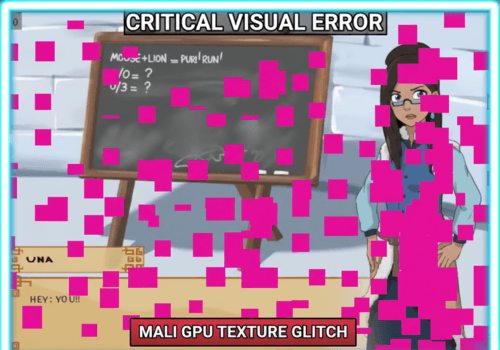
Pink / Missing Textures Fix
Common on Samsung/Pixel phones with Mali GPUs.
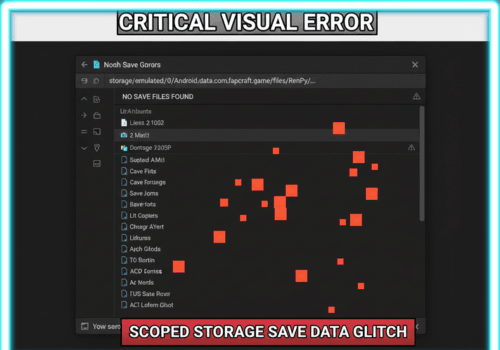
Recover Lost
Saves
How to bypass “Scoped Storage” to backup or transfer saves.
Startup Crash
Fix
Solves audio-only glitches and video codec failures.
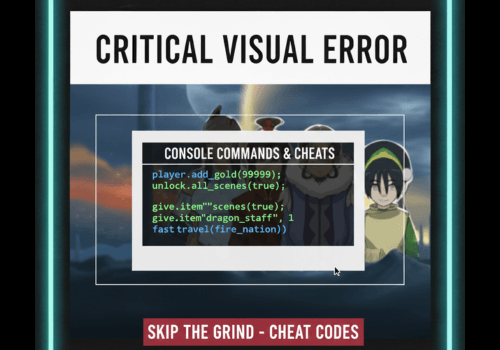
Console Commands & Cheats
Add money, items, and unlock scenes immediately.
Why Is Four Elements Trainer Glitching?
Four Elements Trainer runs on the Ren’Py Engine. While powerful, this engine often conflicts with modern Android security features (like Scoped Storage) and specific hardware drivers (Mali GPUs).
Most “bugs” are actually just configuration mismatches, not a broken game file.
Quick Fixes for PC & Android
How to Switch Renderer (PC)
If you see graphical artifacts on PC, hold Shift + G while the game is opening. Select “OpenGL” or “Angle” instead of DirectX.
Enable “Unknown Sources” (Android)
If the APK won’t install, go to Settings > Security > Install Unknown Apps and allow permission for your browser/file manager.
App Not Installed” Error
Usually caused by insufficient storage or a conflicting version. Uninstall any previous versions before installing the new Mod.